 Skip to content
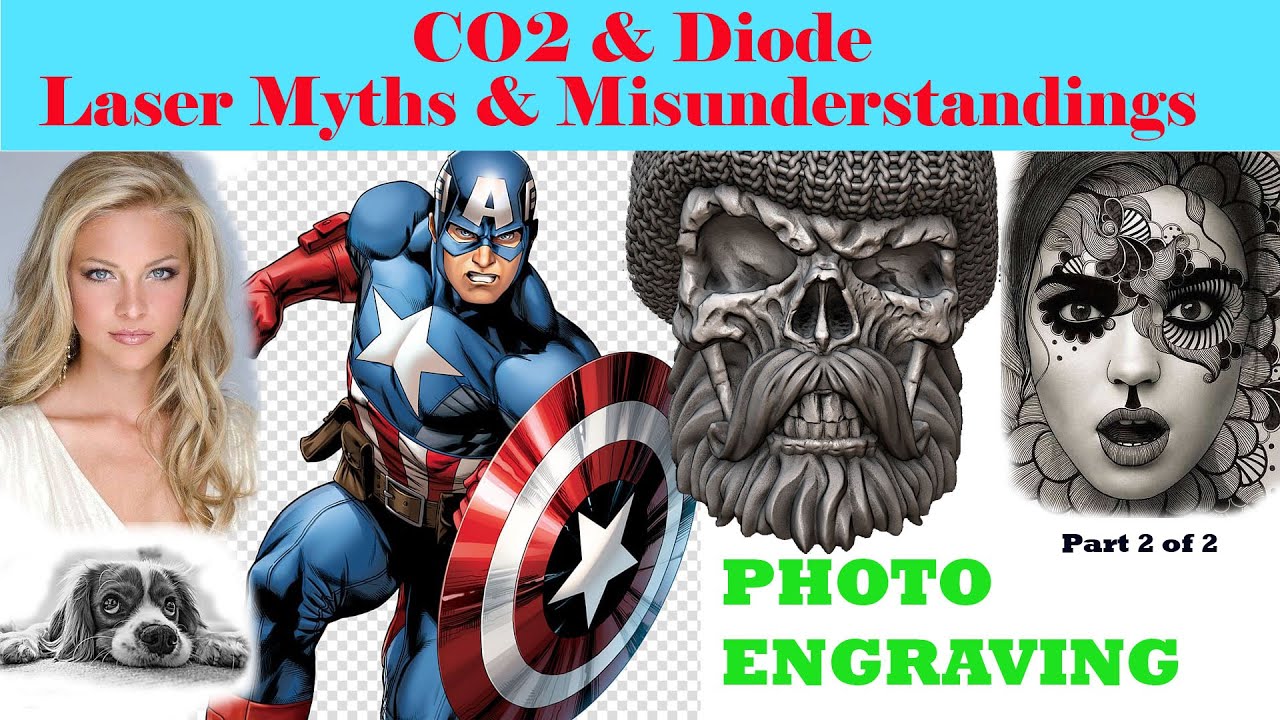
 Part 2 moves from digital image theory into the workshop. Russ tests how small a physical dot the machine can make and uses that result to determine whether the chosen image resolution can be reproduced without overlapping marks.
Previous: Photo Engraving – Part 1 | Series Menu | Next: 3D Engraving Myths
What You’ll Learn
- Why one burnt dot should correspond to one image pixel for true photo replication.
- Why overlapping dots destroy tonal detail.
- How dithering can simulate greys using patterns of black and white marks.
The Machine Sets the Maximum Useful Resolution
Russ’s core rule is simple: if the laser cannot produce a dot small enough for the selected pixel size, the dots overlap. The result is excess heat, lost detail and the familiar over-burnt “charcoal” image.
Dithering Uses Dot Density, Not Continuous Grey
A dithered image converts tonal information into black and white decisions. The eye perceives intermediate greys because of the density and distribution of those marks, provided the physical dots remain sufficiently small and separate.
Why This Session Matters
The two-part sequence turns photo engraving from a software-presets problem into a machine-resolution problem that can be measured and matched to the source image.
This page is a concise overview of Russ Sadler’s original video rather than a full transcript.
