 Skip to content
 Russ opens this two-part photo engraving investigation by separating the software from the underlying digital image. LightBurn can process the image, but it cannot remove the need to understand pixels, resolution and the physical size of the picture being sent to the laser.
Previous: Multi-Colour Engraving | Series Menu | Next: Photo Engraving – Part 2
What You’ll Learn
- Why image size and pixel size are linked.
- Why shrinking an image reduces available detail even when it still looks good on screen.
- Why the machine’s real burnt-dot capability must be understood before aiming for photo replication.
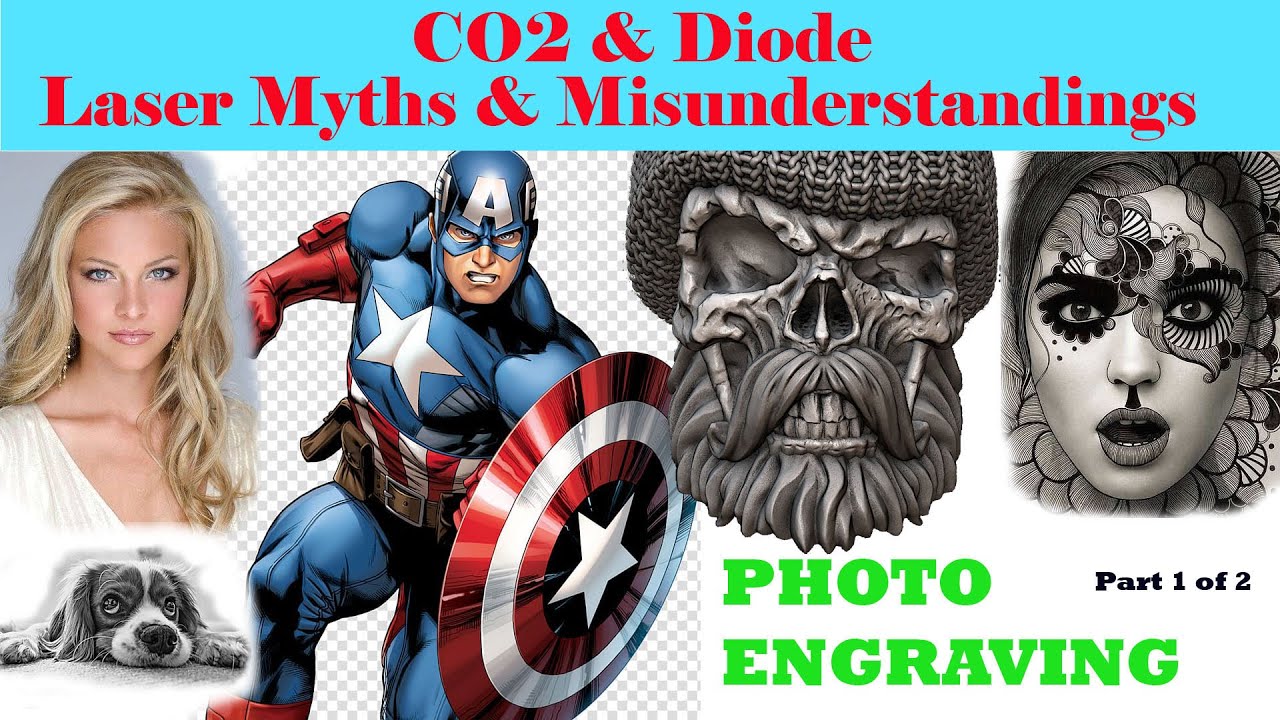
Software Cannot Create Physical Resolution
Russ compares digital images at different sizes and resolutions to show that a picture can look acceptable on a monitor while containing too little information for the engraving size being attempted.
Pixels Have to Become Real Marks
The digital image ultimately has to be translated into physical marks on the material. Part 1 establishes the relationship between picture size, pixel size and the detail that the laser must reproduce.
Why This Session Matters
It sets up the practical question addressed in Part 2: can the machine actually create dots small and consistent enough to reproduce those pixels?
This page is a concise overview of Russ Sadler’s original video rather than a full transcript.
